GaN Charger vs Regular Charger Which One Is Worth Buying?

Introduction
GaN vs Regular Chargers only becomes a useful comparison when the old charger is the thing limiting you, not the new label. A 140W setup sounds bigger, sure, but the real question is whether it changes your desk, your travel bag, or your laptop charging situation.
This piece looks at what GaN actually changes, what it doesn’t, and when the 140W Giga GaN Charger is the right answer instead of just a more expensive one. And honestly, that’s where most people get stuck: the box looks impressive, but the use case is what really matters.
Quick Highlights
- GaN helps size and efficiency, not magic speed.
- 140W only matters for the right devices.
- Shared charging changes power output fast.
- Cables can still be the bottleneck.
- Travel convenience depends on plugs and input support too.
When you should keep your current charger instead of upgrading
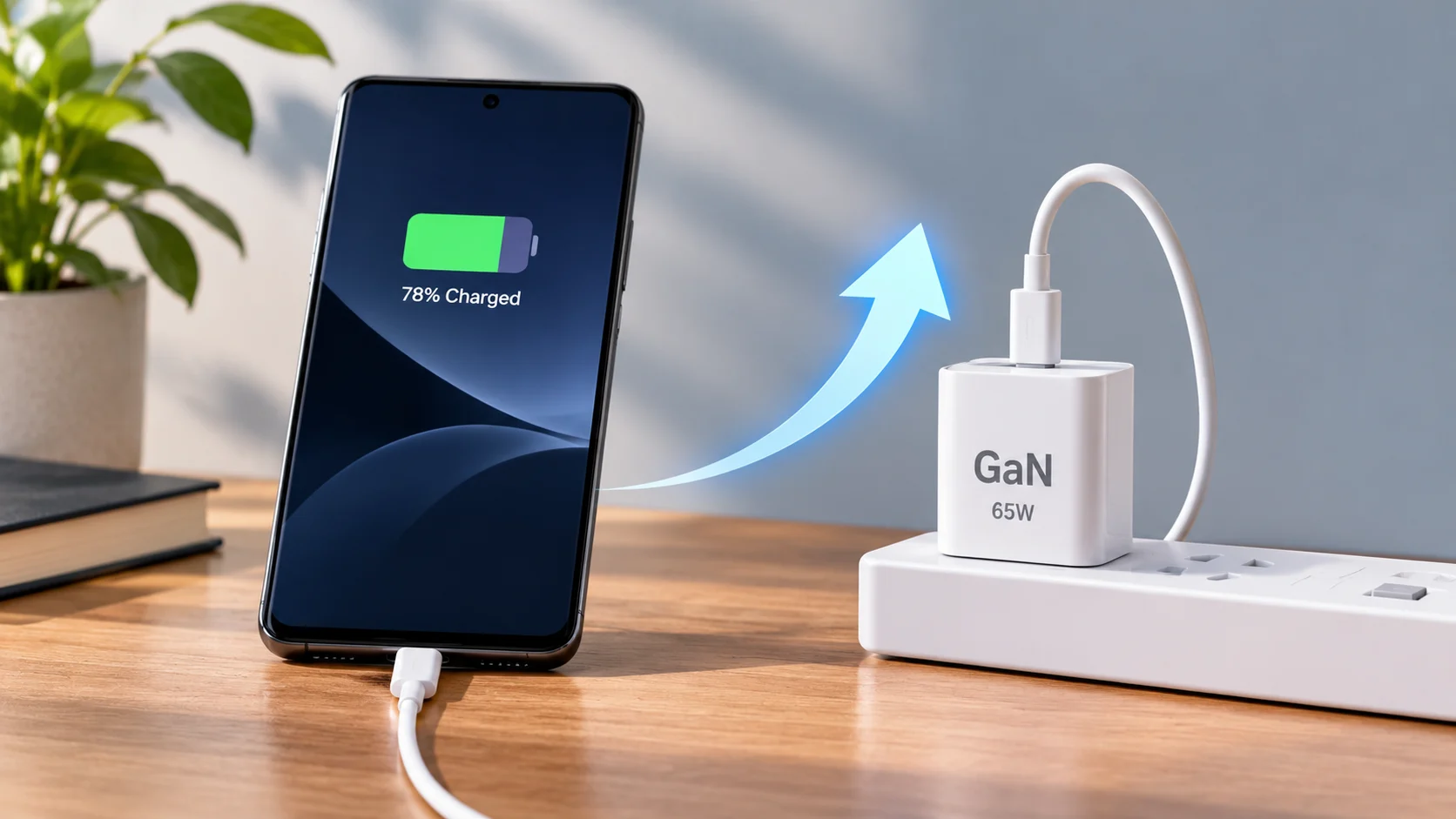
The first decision is usually the simplest one: if your current charger already handles your phone and routine, you do not need to replace it.
The raw rule here is blunt — one phone with a working charger, a damaged cable causing slow charging, or a laptop that still needs its proprietary power supply all point to keeping what you have.
If the setup already works, buying GaN just to buy GaN is wasted effort. That sounds obvious, but people do it all the time because a shiny new charger feels like a clean upgrade.
Situations where the charger is not the real problem
- One phone with a charger that already meets your needs: keep it.
- Slow charging caused by a damaged cable: replace the cable first.
- A laptop that needs a proprietary power supply: keep the suitable supply unless the laptop also supports another option.
This is one of those moments where the practical answer is less exciting than the shopping urge. If the issue is a worn-out cable, a weak battery, or a device that simply isn’t designed for USB-C charging, a new charger won’t fix the root problem. It’ll just make your drawer look newer.
What changes with GaN and what does not
GaN means gallium nitride, a semiconductor used in power electronics. It can help chargers run efficiently at high frequency and shrink in size, but it does not decide everything people care about.
Port count, charging protocols, input voltage, dimensions, and power sharing still come from the charger design — not from the material alone.
That is why a GaN charger can be useful, but never automatically better. It’s a tool, not a verdict.
The practical questions people actually ask before buying
| Buying question | What matters in practice |
|---|---|
| Will GaN charge my phone faster? | Only if the charger supplies a compatible charging mode or output the old one could not provide |
| Will it take less space? | Compare the actual charger and the adapters it can replace; not every GaN model is smaller than every silicon model |
| Will it stay cold? | No. GaN chargers can still become warm under load |
| Will it charge several devices? | Only if the model has the right ports and shared-power arrangement |
| Will it work abroad? | Travel suitability comes from supported mains input and plug arrangements, not the GaN label |
The thing to remember is that GaN often improves the charger’s physical design, but not automatically your actual experience. A charger can be smaller, yes. It can be more efficient, yes. But if it doesn’t support the output your device needs, it’s just a better-looking brick.
Why the 140W Giga GaN Charger is useful for some setups and pointless for others
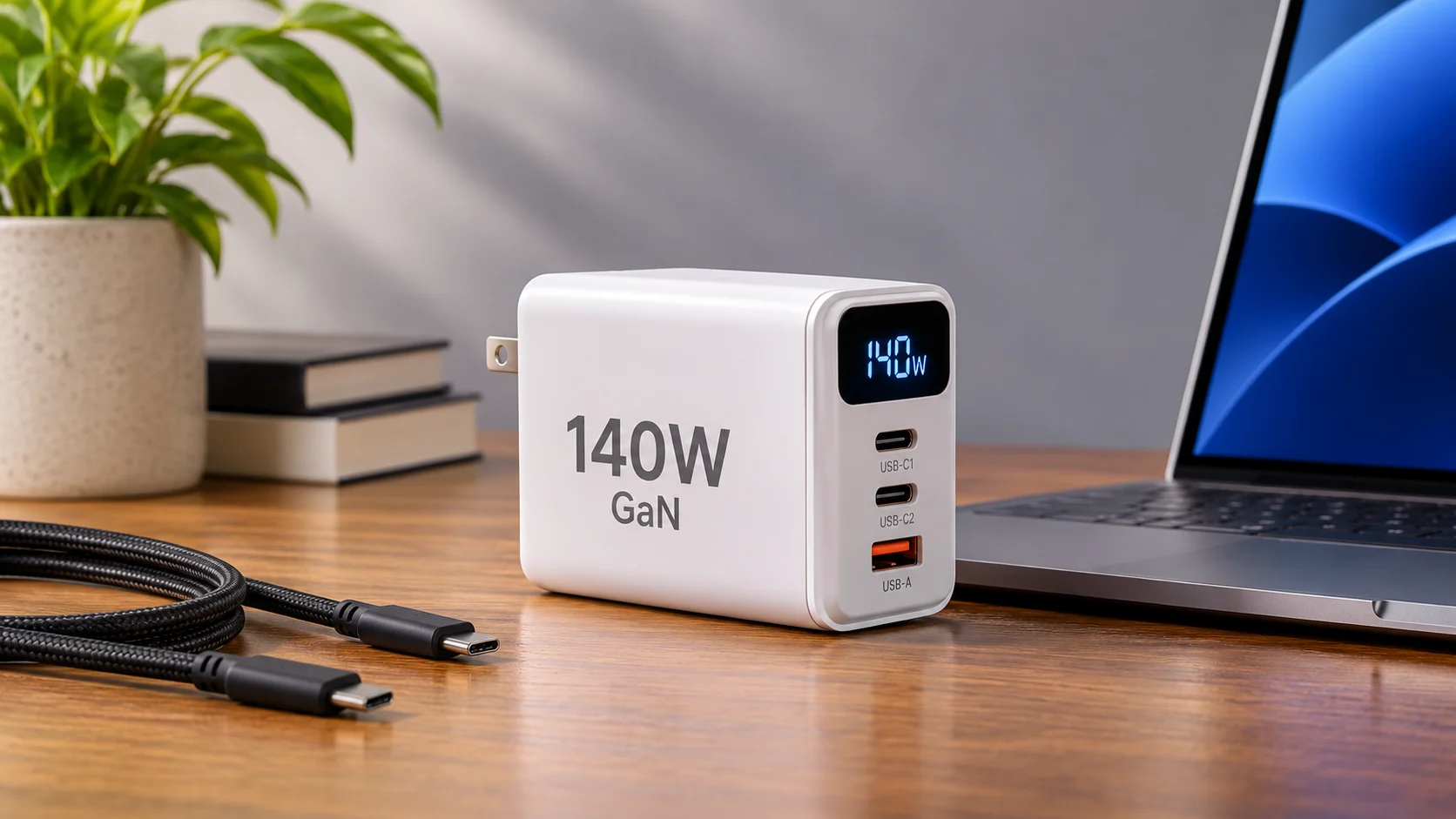
The 140W Giga GaN Charger makes sense when you want one wall point for a supported USB-C laptop plus other devices.
It has two USB-C ports, one USB-A port, a display for charging information, and plug attachments shown for EU, UK, and Australian use.
It is better for a shared desk or travel kit than for someone replacing a perfectly adequate phone-only charger. In other words, the value depends on whether you’re solving a real power problem or just upgrading because bigger numbers look safer.
It also helps if you’re tired of carrying three separate adapters. That’s where the upgrade starts to feel less like a gadget purchase and more like a small quality-of-life fix.
What is actually on the charger
- 140W total rated output
- Two USB-C ports
- One USB-A port
- A charging display
- EU, UK, and Australian plug attachments
- Price: Rs. 10,300.00
That list is where the product becomes real. The 140W number is only part of the story. The ports, plug options, and display are what make it useful in daily life. If you’re someone who charges a laptop, phone, and maybe a small accessory all in the same place, the layout matters more than the headline wattage.
How single-port power and shared power really work
The biggest wattage printed on the box is not what every port delivers at once.
On Giga GaN, either USB-C port can support up to 140W when used alone, while the USB-A port supports up to 18W when used alone.
Once more devices are connected, the allocation changes — and that is the part that matters.
Giga GaN power allocation by port use
| Ports in use | Available allocation | What it means |
|---|---|---|
| USB-C1 only, or USB-C2 only | Up to 140W on the connected USB-C port | Best for one supported high-power device |
| USB-C1 and USB-C2 | Up to 100W on C1 and 35W on C2 | Use C1 for the higher-demand device |
| One USB-C port and USB-A | Up to 100W on USB-C and 18W on USB-A | A USB-C device plus a suitable USB-A accessory |
| All three ports | Up to 65W on C1, 45W on C2, and 18W on USB-A | Three connections, but less power for the primary laptop than in single-port mode |
If your laptop needs more than 65W for your workload, the all-three-port setup is not equivalent to using the charger alone. That’s the part many buyers miss. They see 140W on the product page and assume that number is always available everywhere, which is not how shared charging works.
Think of it like water pressure in a house with multiple taps open. The system still works, but each tap doesn’t get the same pressure at the same time.
The display is useful for context, not for extra speed
Giga GaN’s display shows port-specific charging information, usage duration, and a temperature indication.
That is helpful for reading the setup, but it does not create extra charging speed. A lower reading can simply mean the battery is filling or the device does not need full power.
The display helps explain what is happening; it does not override the charging limits of the device, cable, or port configuration. So yes, it’s useful. No, it’s not a magic performance booster.
For a lot of people, the real benefit is peace of mind. You can glance at the screen and see whether the charger is doing what you expect, instead of guessing and hoping your device is charging at the best rate possible.
The cable can limit the setup even when the charger is strong
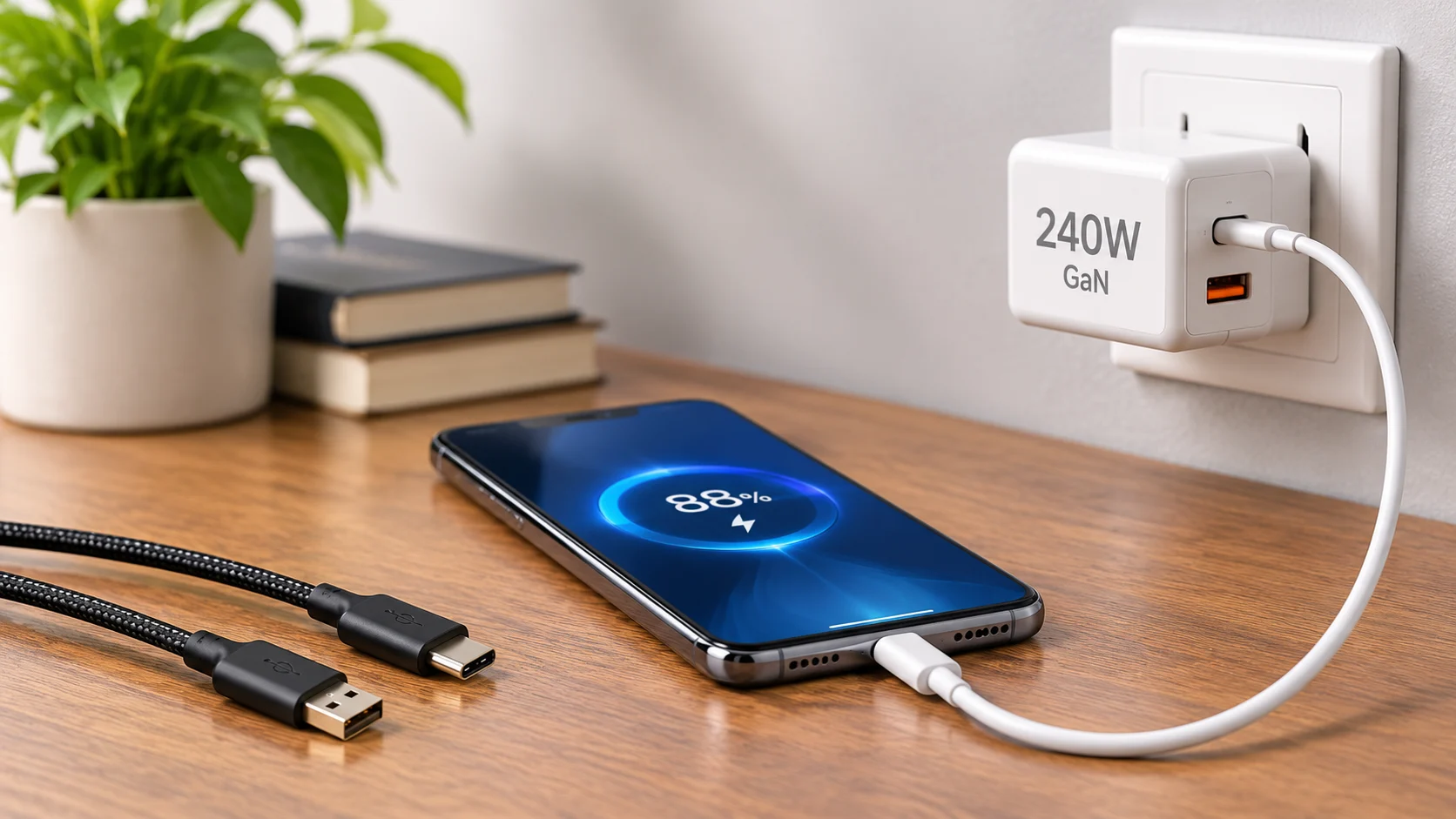
A better charger cannot remove a cable’s limit or make an unsupported connection suddenly work.
For high-power USB-C charging, the charger, cable, and device all have to support the same charging mode. A cable’s rating is a ceiling, not a promise.
That is where the 240W magnetic cable choices matter more than people expect. A lot of charging frustration starts with the cable, not the charger itself, and people only notice it after buying the “better” brick.
Two cable choices that fit different jobs
- Volta MAX 240W Cable: the magnetic option with interchangeable tips, including USB-C, Lightning, and Micro-USB; available in 0.5m and 1.5m lengths.
- Volta Zero 240W: the short USB-C-to-USB-C option for devices close to the power source.
MAX is for interchangeable tips and reach. Zero is for a short, direct connection near the wall socket.
One cable still charges one wired device at a time, even with interchangeable tips. That matters if you were imagining one cable somehow becoming a whole charging hub. It won’t. It just makes the cable itself more flexible.
And that flexibility can be genuinely handy if you’re the kind of person who switches between gadgets. Less clutter, fewer separate cables, less hunting around for the right connector.
When a multi-port charger makes travel easier
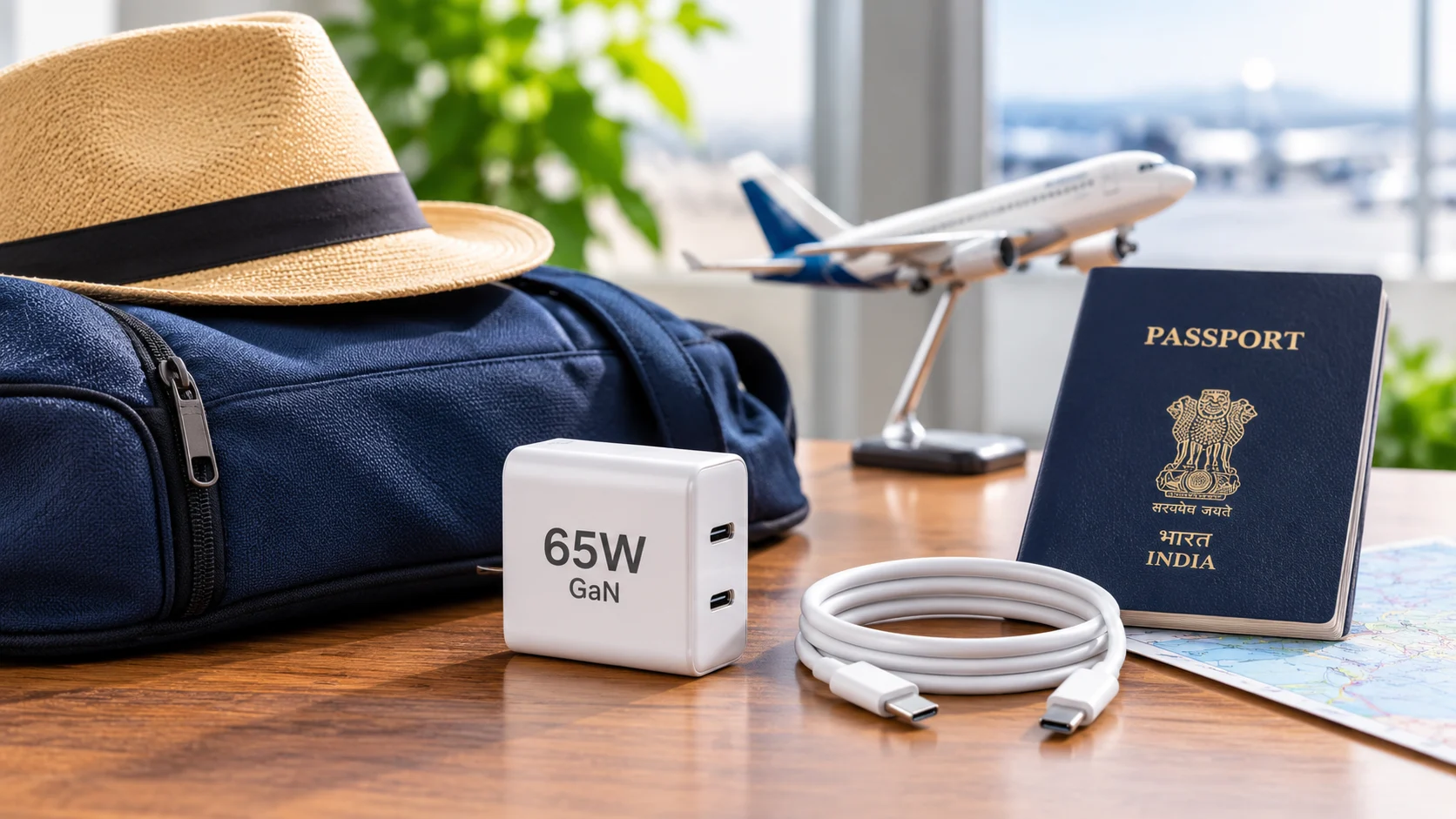
The travel case is where a multi-port GaN charger starts to earn its place.
It can replace separate adapters for supported devices, but only if you plan around the shared-output split and pack the right cables for the devices you will actually charge together.
For US, UK, Australian, and European travel, plug fit and mains-input support matter separately from wattage. GaN does not make an adapter universal.
This is the real travel test: not “is it powerful?” but “does it simplify the stuff I actually carry?” If the answer is yes, the upgrade starts making sense fast.
What travel convenience depends on
- Destination plug arrangement: US, UK, Australian, or European fit
- Local mains-input support
- Shared-output allocation when multiple devices are connected
- The cables you pack for the devices you plan to charge together
That list sounds a little boring, but it’s exactly the stuff that decides whether a charger makes travel easier or just makes your bag heavier with a more expensive object inside it.
When people say a charger is “good for travel,” they usually mean it saves space, works in more places, and cuts down the number of chargers they need to remember. Those are practical wins, not spec-sheet wins.
FAQ
These are the doubts that usually show up after someone understands the basics but still wants to avoid a bad purchase.
Q: Is a GaN charger better than a regular charger?
Not automatically. The better purchase is the charger that gives you the output, ports, and form factor you actually need. A good silicon charger does not become obsolete just because it is not GaN.
Q: Will a 140W charger make my phone charge at 140W?
No. Your phone draws only what it supports. The extra wattage matters for higher-power devices or shared charging, not as a guarantee of faster phone charging.
Q: Can Giga GaN deliver 140W to a laptop while charging two other devices?
No. In three-port mode, it splits power to up to 65W on C1, 45W on C2, and 18W on USB-A. Full 140W is available only in single-port USB-C use.
Q: Do I need a 140W charger for one phone?
Usually not. Keep a suitable phone charger unless you specifically want extra ports or a shared laptop charging setup.
Conclusion
Buy the charger when it solves a real problem: supported USB-C laptop use, shared-device charging, or a travel setup that is too messy to keep living with.
If your current charger already does the job, keep it. If it does not, choose the capability — not just the GaN label. That’s the cleanest way to think about GaN vs Regular Chargers without getting talked into an upgrade you don’t really need.