USB PD PPS Charging Explained What Really Decides USB-C Speed

USB PD PPS charging explained simply: the charger, cable, and device must all agree before fast charging happens, and the slowest link wins. USB PD lets a charger offer fixed voltages like 5V, 9V and 20V, while PPS lets your phone request exact voltage and current in tiny steps, which means less heat, better efficiency, and faster charging that lasts longer. Pair a PPS-capable charger with a certified cable, and you’ll get the speed your phone actually supports, not just the big watt number on the box.
That’s why a 100W charger can still behave like a 60W charger, or why some Samsung phones won’t hit top speed unless PPS is in the mix. USB PD PPS charging explained starts with that basic idea: the number printed on the charger is not the same thing as the speed you’ll actually get.
Quick Highlights
- The weakest part of the setup sets the charging speed.
- Cables matter just as much as chargers.
- PPS is a big deal for Samsung fast charging.
- Higher watts don’t override missing compatibility.
Introduction
The real speed comes from negotiation between the charger, the cable, and the device. That sounds technical, but the idea is actually pretty friendly once you see it in action. Your phone asks for what it can handle, the charger offers certain power levels, and the cable decides how much current can safely pass through. If any one of those pieces is limited, the whole chain slows down.
So when people say USB-C is confusing, they’re usually reacting to this exact part. The connector shape is the same, but the charging behavior can be completely different depending on the protocol behind it. That’s where it gets interesting, because the rules are there to protect devices while still allowing faster charging than the old 5V USB days ever could.
Why a bigger charger does not always mean faster charging
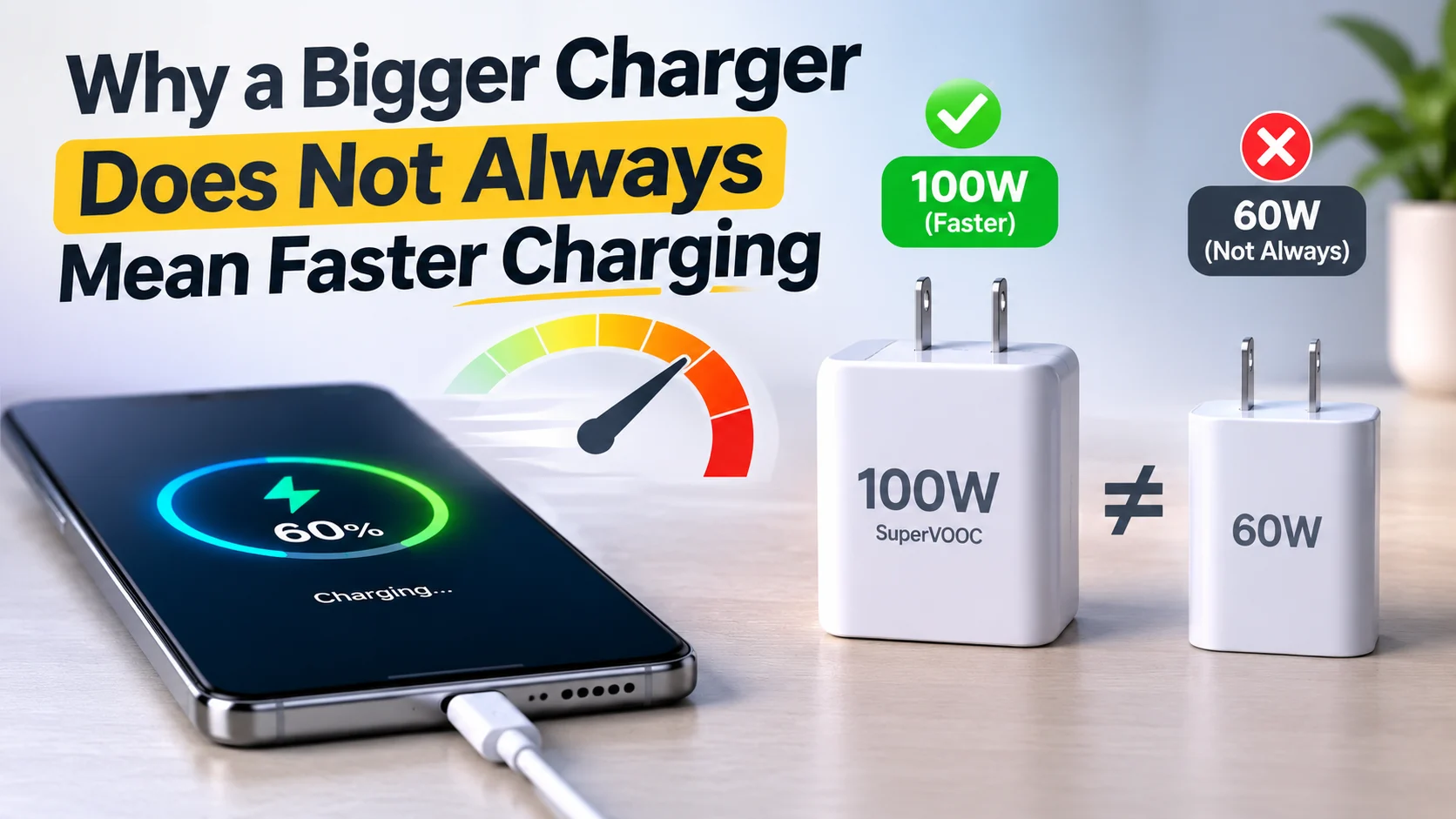
Fast charging is capped by the weakest part of the setup, not the biggest wattage on the box. A 100W charger with a 60W cable still tops out at 60W, and a phone that wants PPS will not hit its fastest rate on a charger that lack it. That’s the first thing to keep in mind before you buy anything based on the headline number alone.
USB Power Delivery lets the device choose from the charger’s offered power levels, so the ceiling is set by compatibility, not bragging rights. Look, a charger can advertise a huge wattage and still be useless for your specific phone if it doesn’t speak the right language. The charger might be capable of more, but the device won’t just take it because it sounds impressive.
Older 5V USB charging also explains why phones used to feel slow. Back then, the industry relied more on current at low voltage, which wasn’t nearly as efficient for high-speed charging. The standards moved toward higher voltage instead of forcing more current through thin cables, and that shift is a huge part of why modern USB-C feels faster and more flexible.
How watts, volts and amps connect
Power is W = V × A, so 20V at 3A gives 60W, while 5V at 3A gives only 15W. That little formula is the whole game, really. If voltage goes up, power can rise without demanding crazy current all at once.
That simple math is why USB PD raises voltage, and why current becomes the limit the cable has to survive. Heat is the enemy here. The more current you push through a wire, the more important the cable’s construction becomes. So even though the charger may be ready for higher output, the cable still has the final say on safety.
Why the cable is part of the charging limit
Ordinary USB-C cables are capped at 3A, because current heats wires. That’s not a marketing quirk; it’s just physics doing its thing. If the wire is too thin or not built for more, it warms up too much, and nobody wants that.
Anything above that needs a special electronically marked cable, and a 5A cable contains an e-marker that tells the charger what it can safely deliver. In plain English, the cable is basically introducing itself to the charger and saying, “Here’s what I can handle.” Without that handshake, the charger has to stay conservative.
What USB Power Delivery, PPS, and EPR actually allow
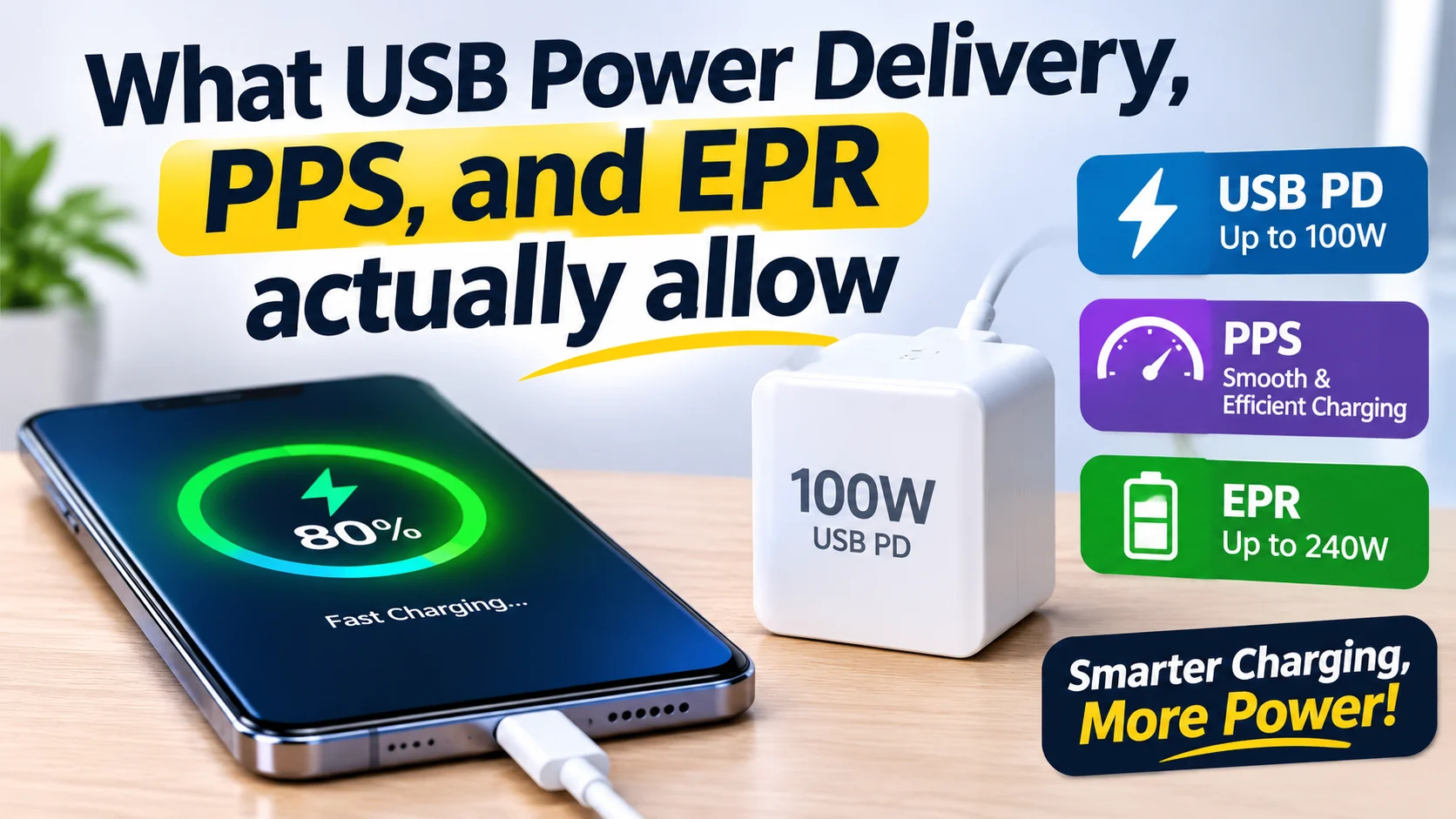
USB Power Delivery 3.0 and 3.1 split charging into different capability tiers, and those tiers decide whether you get phone charging, laptop charging, or nothing close to the headline wattage. This is one of the places where the naming gets a little intimidating, but the practical meaning is pretty straightforward: not all USB-C gear is built for the same level of power.
Before 2021, USB PD topped out at 100W using 20V and a 5A cable. USB PD Revision 3.1 added Extended Power Range, with 28V, 36V and 48V fixed voltages for 140W, 180W and 240W. That’s mostly aimed at bigger devices like laptops and monitors, not the average phone in your pocket, but it matters if you’re trying to use one charger for everything.
PPS sits in a different lane. Instead of fixed steps like 9V or 15V, the device can ask for exact voltage and current changes in tiny increments. That flexibility can help devices charge more efficiently and with less wasted heat, which is why some phones, especially Samsung models, care about it so much.
Standard Power Range numbers people actually see
- 5V at 3A = 15W, used for earbuds, watches and basic phone charging
- 9V at 3A = 27W, common for most phone fast charging
- 15V at 3A = 45W, often used for tablets and small laptops
- 20V at 3A = 60W, enough for laptops on an ordinary USB-C cable
- 20V at 5A = 100W, which needs a 5A cable for larger laptops
These numbers are useful because they turn the whole topic from vague into concrete. If you know your device expects around 27W, then a 65W charger doesn’t automatically make it charge twice as fast. It just means the charger has headroom. The device still decides what it actually pulls.
What changes with USB Power Delivery 3.1
Extended Power Range is aimed at laptops, monitors, and docks, not most phones. That’s an important distinction, because people often see “240W” and assume it’s somehow more universally fast. It isn’t. It’s just built for a different class of hardware.
It also adds an adjustable mode where the device can request any voltage from 15V up to the charger’s highest fixed voltage. That gives compatible devices more room to optimize charging behavior, especially under higher loads. Think of it like having a wider set of lanes on a highway — more flexibility, but only if your device is designed to use them.
Why PPS matters more on Samsung phones
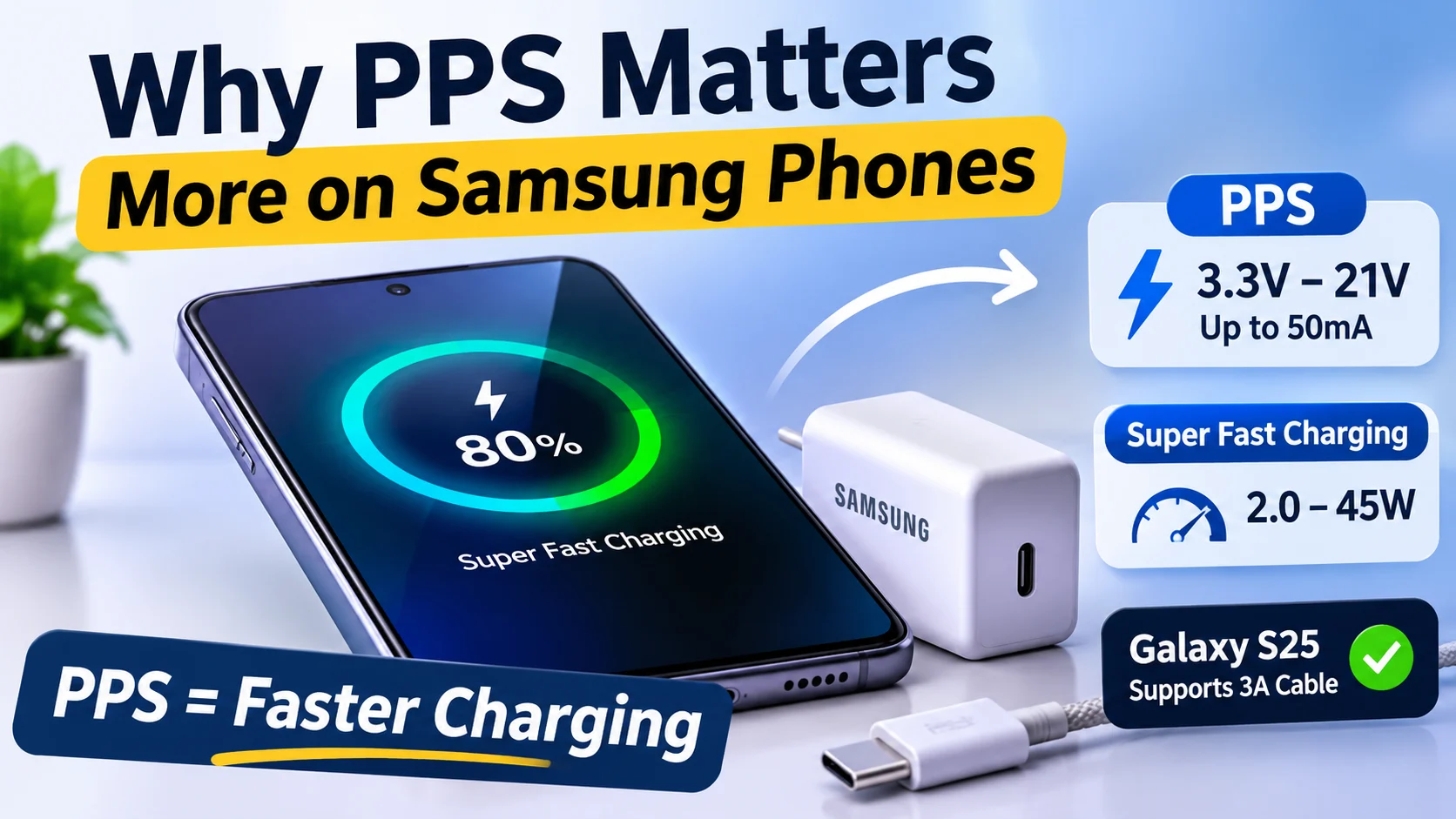
Programmable Power Supply starts at 3.3V and can reach 21V, with voltage adjustable in 20mV steps and current in 50mA steps. That’s extremely fine control compared with the old fixed-step approach, and it’s part of why PPS can be so appealing for fast charging.
Samsung ties Super Fast Charging 2.0 to USB PD 3.0 with PPS, and even its 45W charger, the EP-T4511, lists PPS at 5 to 20V and 2.25A. In other words, if PPS isn’t supported, the charge rate can drop below what the hardware is capable of in theory. That surprises a lot of people who buy a strong-looking charger and still don’t get the expected result.
Samsung also says Super Fast Charging 2.0 uses a 5A cable, though Galaxy S25 and later models can use the 3A cable in the box. That detail matters because it shows how device support can change the cable requirement. You can’t always assume every Samsung phone needs the same setup.
Which charger, cable, and phone combinations actually work
Different phones care about different parts of the USB-C stack, and the fast-charge claim only holds when the right standard is present. That’s why one phone might fly on a charger that another phone barely benefits from. The visible connector is the same, but the invisible rules behind it are not.
Apple’s fast-charge numbers depend on model, wattage, cable type and, for the iPhone 18 Pro line, Adjustable Voltage Supply rather than wattage alone. Samsung is stricter about PPS, while other Android makers may use their own proprietary fast-charging systems on top of USB PD. So the practical answer is rarely “just get a bigger charger.” It’s usually “get the charger that matches your phone’s specific charging language.”
| Phone or device | Fast-charge claim | What it needs |
|---|---|---|
| Samsung phones using Super Fast Charging 2.0 | Top speed only with PPS | USB PD PPS charger, often with a 5A cable |
| Galaxy S25 and later | Can use the included cable | 3A cable in the box is enough |
| iPhone 18 Pro and 18 Pro Max | Up to 50% in around 15 minutes | Apple 40W Dynamic Power Adapter with 60W Max, or a 60W-capable third-party USB PD 3.2 adapter with AVS |
| iPhone 17, 17 Pro, 17 Pro Max | Up to 50% in around 20 minutes | 40W adapter or higher |
| iPhone 17e, iPhone Air | Up to 50% in around 30 minutes | 20W adapter or higher |
| iPhone 15 and later, earlier models | Fast charging supported | Apple 18W or higher USB-C adapter, or a comparable USB PD adapter |
This is where a lot of people get tripped up. They think one good charger should solve everything, but the real answer depends on the device generation and the protocol it’s willing to use. A charger can be excellent and still not be the right match.
What Apple says about iPhone charging
Apple notes that its iPhone 18 Pro wired fast-charge testing used a 60W-capable USB-C cable, and that heat can interrupt fast charging if the phone is too hot or too cold. That’s a detail worth remembering, because charging is not just about power delivery. It’s also about battery safety and temperature management.
For MagSafe, Apple says iPhone 18 Pro models can reach 50% in around 30 minutes with a MagSafe Charger and a 35W or higher adapter. Wireless charging is convenient, but it has its own limits. Even when the hardware is modern, the speed isn’t always as aggressive as wired charging.
How to read charger labels and cable logos without guessing
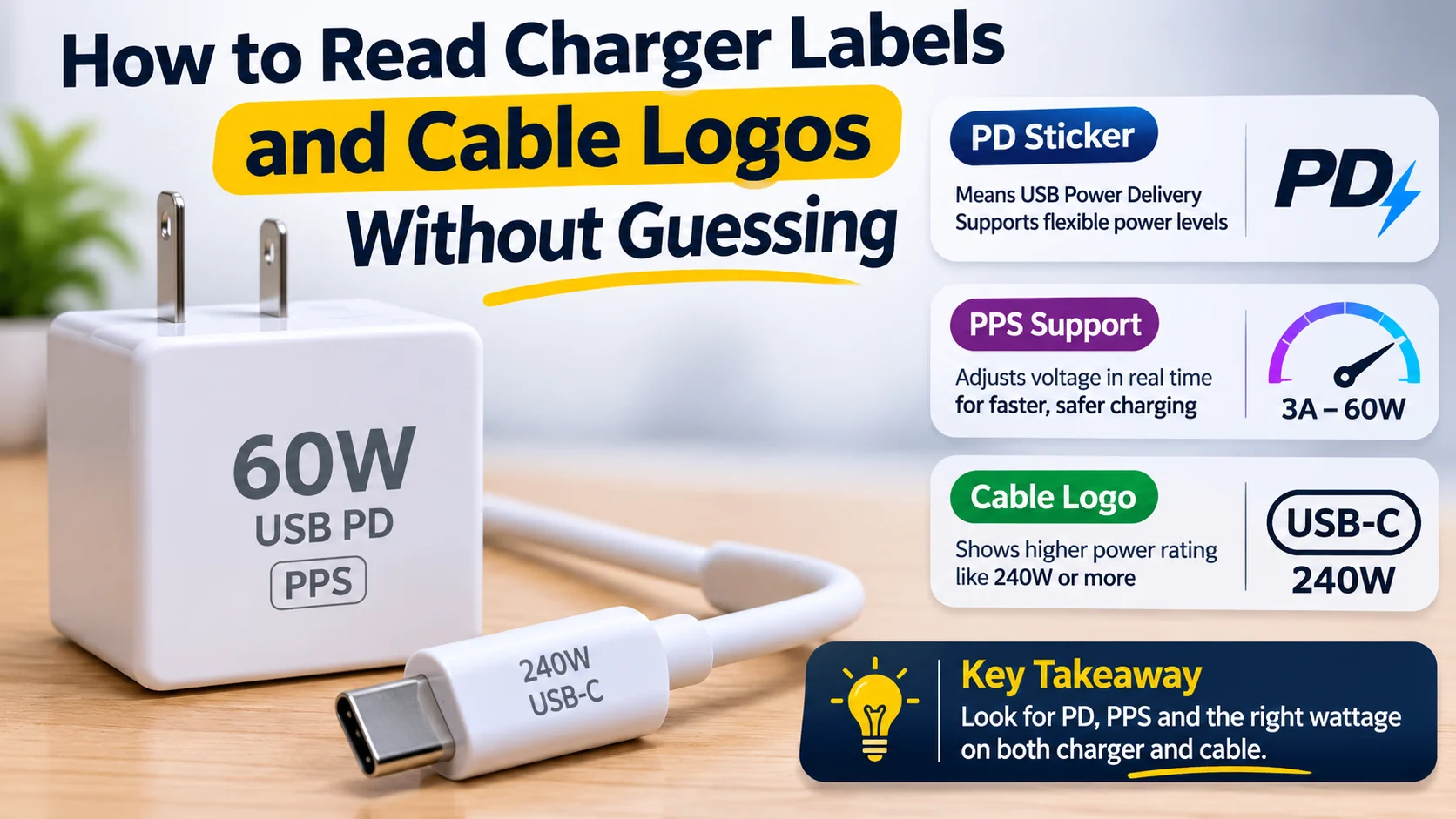
The fastest way to avoid bad matches is to check the charger output label and the cable rating instead of trusting the marketing text on the box. That sounds obvious, but people skip it all the time. The box might say “fast charge,” yet the actual output profile could be much less flexible than you need.
USB-IF certification matters here because its logos are tied to compliance testing and the Integrators List, not just a “PD” sticker. That gives you a more reliable clue that the charger and cable have been tested for the standards they claim to support. In other words, certification is boring in the best possible way — it reduces surprises.
USB-C cable labels also separate power rating from data speed, which is why a 240W cable can still be slow for data transfer. This part catches people off guard a lot. Power and data are related, but they’re not the same thing, and a cable can be strong in one area while being basic in the other.
What the cable ratings mean
- 60W cables carry up to 3A and cover most phones and many laptops up to 60W
- 240W cables carry 5A and must include an e-marker
- Older 100W cables still exist, but USB-IF deprecated that certification in 2021
- Certified cables may show both data speed and power, such as “20Gbps/60W”
Once you get used to reading those labels, choosing gear becomes much easier. You don’t need to memorize every standard. You just need to know whether your device wants a 3A cable, a 5A cable, PPS, AVS, or something else. That cuts through a lot of the noise.
Why a 240W cable is not automatically faster for everything
A 240W cable can still have USB 2.0 data speeds, so it may charge fine while limiting SSD transfers or display support. That’s the key thing to remember: high power doesn’t magically mean high data performance. A cable can be excellent for charging and only average for everything else.
For phones, the cable in the box is usually enough unless the maker specifically asks for a 5A cable. That’s nice, because it means you often don’t need to overthink the cable side unless you’re chasing the very top charging tier or using a larger laptop charger.
Why charging sometimes slows down even when everything is compatible
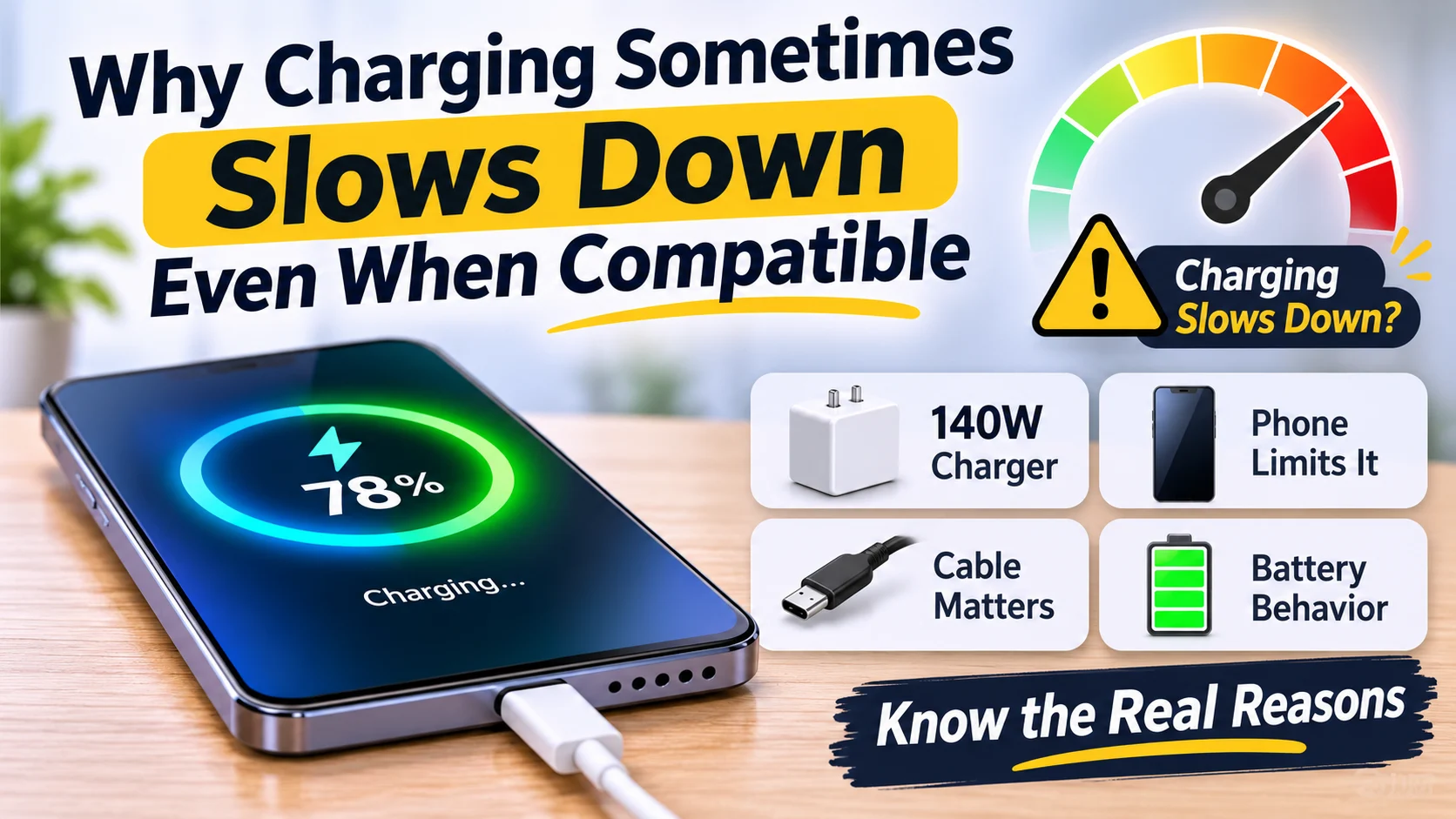
Compatibility does not guarantee full-speed charging the whole time, because the phone, battery, and charger all change behavior during the session. A battery doesn’t charge at the same rate from 1% to 100%. It charges fastest at certain points, then slows down as it fills up to protect the battery.
A 140W charger does not force 140W into a phone. The device only takes what it negotiated, and charging power drops as the battery fills. That’s why you might see a big burst of speed at the beginning, then a gradual taper later on. It’s normal, even if it feels confusing the first time you notice it.
Multi-port chargers can also split power, and Samsung notes some chargers only support Super Fast Charging 2.0 on port 1 with nothing else connected. So if you’re charging a laptop and phone from the same brick, you may be sacrificing the fastest phone rate without realizing it. Shared power is convenient, but it changes the math.
The common reasons fast charging falls back
- The charger lacks the device’s required PD profile, PPS range, or AVS mode
- The cable is limited to 3A when the phone wants 5A
- The charger is sharing power across multiple ports
- The phone is too warm, or the battery is already past its fastest charging window
Any one of those can knock charging down a notch, and sometimes they stack together. That’s why troubleshooting can feel annoying. You replace one piece, but the problem still isn’t fully fixed because another limit was hiding in the setup.
FAQ
These are the doubts people usually still have after checking a charger, cable, and phone against each other. And fair enough — this topic tends to create more questions than it answers at first.
Q: Can a higher-watt charger damage my phone?
No, not if it follows USB PD. The phone only takes the voltage and current it negotiated, so a 65W or 100W certified charger should not force extra power into it. In practice, the phone acts like the gatekeeper.
Q: Why does my phone say “charging” instead of “fast charging”?
Usually the charger lacks the protocol the phone wants, the cable cannot carry enough current, or the phone is too warm. On Samsung phones, PPS is a common missing piece. That one detail alone causes a lot of confusion.
Q: Do I need a 240W cable for my phone?
Usually no. Most phones work with a standard USB-C cable, though some Samsung models need an e-marked 5A cable for 45W charging. So unless your device explicitly asks for more, the cable you already have may be fine.
Q: What is the difference between PD and PPS?
USB PD uses fixed voltage steps like 9V, 15V and 20V. PPS is an optional part of PD that lets the device request precise voltage changes in 20mV steps. That extra precision is what makes it special for certain fast-charging phones.
Conclusion
USB-C fast charging is really a matching problem: the charger has to support the right protocol, the cable has to carry the current, and the device only charges as fast as its own rules allow. Once you see it that way, the mystery starts to disappear.
If you want the fastest result, check the exact standard your phone wants — USB PD, PPS, or AVS — and buy for that, not for the biggest wattage number on the box. That’s the part most people miss, and it’s usually the reason a “powerful” charger doesn’t feel powerful at all.