Why Wireless Earbuds Battery Drains Fast 10 Common Causes and What Actually Fixes Them

Introduction
If your wireless earbuds die too quickly, the problem is often less mysterious than it feels at first. The phrase
earbuds battery drains fast usually points to a few repeat offenders: loud listening, ANC, charging issues, and older cells.
What matters here is separating fixable behavior from the point where the earbuds themselves are starting to give up.
That’s the part people miss. They assume the battery is “bad,” when sometimes it’s really just a few settings working against you every single day.
Quick Highlights
Why earbuds lose battery much faster than they used to
The biggest clue is usually a change over time: they once lasted for hours, and now they don’t. That shift
can come from usage habits, but it can also be normal battery aging after two or three years of near-daily use.
Several signs point in the same direction: reaching 100% very quickly, battery percentage dropping fast,
and playback time becoming much shorter than when the earbuds were new. If you’ve experienced this,
you’re not imagining it. Small lithium batteries don’t age dramatically all at once. They usually fade
in a slow, annoying way that becomes obvious only when you compare today’s runtime with how things used
to be.
Think of it like a phone battery that still charges to full, but doesn’t stay there long. The charging
part can look perfectly normal while the actual capacity underneath has shrunk. That’s why the question
isn’t just “why is this happening?” It’s also “is this something I can fix, or is the battery simply
old?”
When the battery itself is the problem
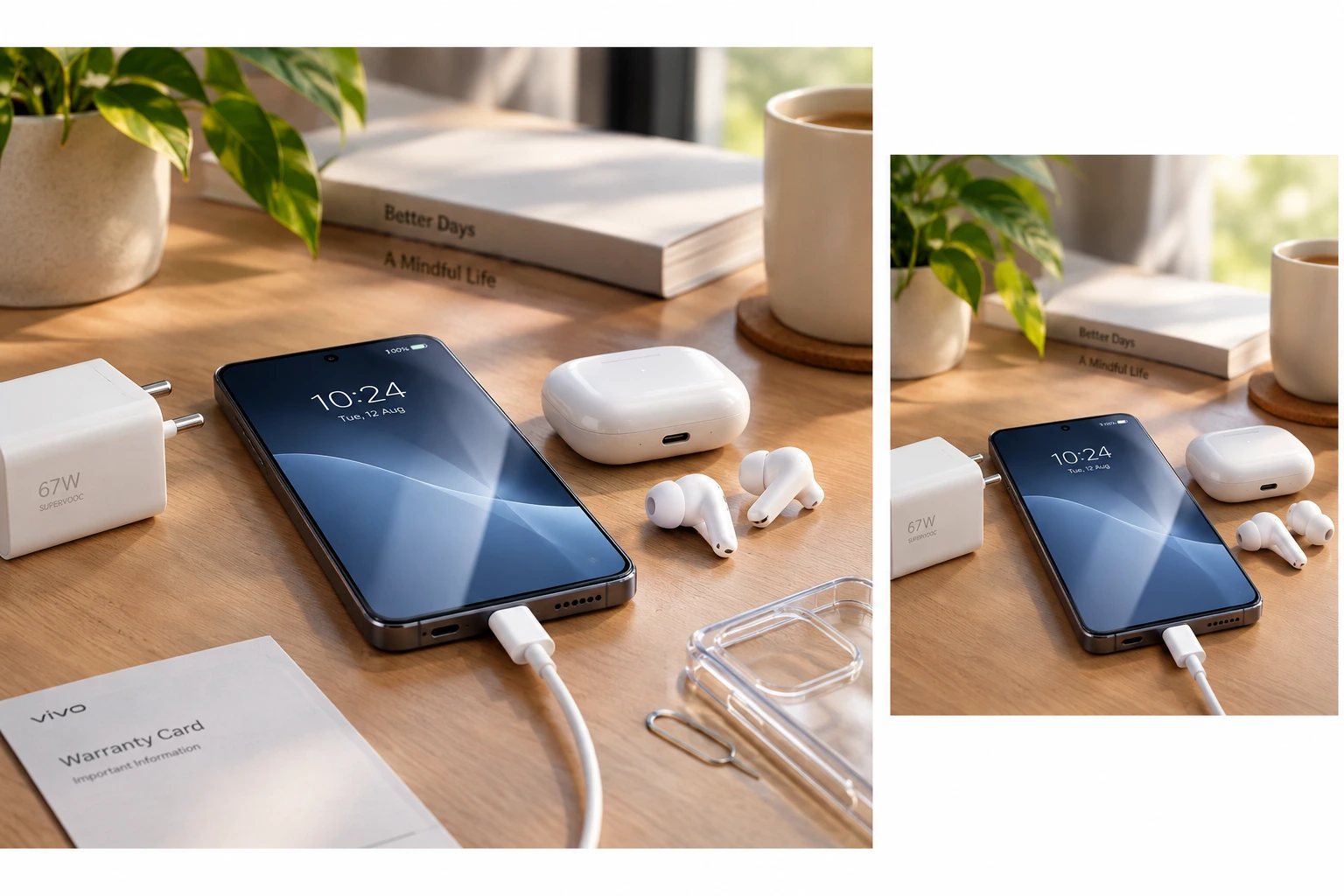
Rechargeable lithium-ion batteries lose capacity gradually, so shorter runtime after two or three years isn’t
automatically a defect. If the earbuds charge fast but drain even faster, the cell may simply be worn down.
That doesn’t mean the earbuds are worthless, but it does mean there’s a limit to what troubleshooting can do.
One way to think about it is this: if the battery tank is smaller than it used to be, no setting change can
magically make it bigger again. You can reduce waste, sure. You can stretch the runtime. But you can’t fully reverse age.
The habits that drain battery the fastest
Some drains are self-inflicted, and they’re the easiest ones to miss because they feel like normal use. Loud volume,ANC left on all day, repeated Bluetooth reconnects, and extra features all add up.
The pattern is simple: the more processing, radios, and power-hungry features you keep active, the quicker the battery falls. This is especially true when you use your earbuds like a mini all-day system instead of a small audio device that needs breaks too.
Maximum volume, ANC, and reconnecting Bluetooth all raise power use
Many people listen at 90–100% volume, but keeping volume between 50% and 80% is a smarter default. Active Noise Cancellation also uses extra microphones and processing, so it makes sense to save it for flights, public transport, and other noisy places.
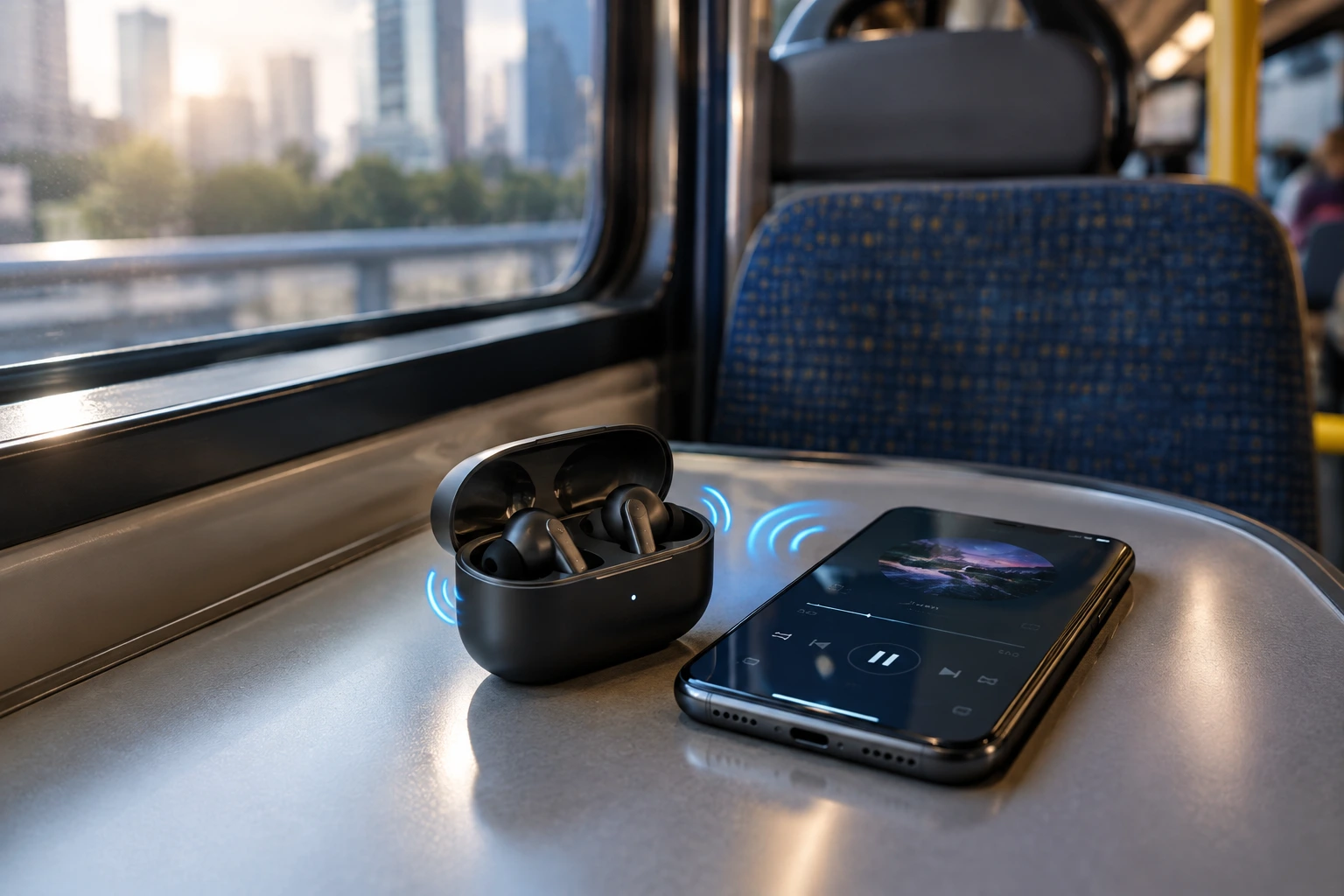
If Bluetooth keeps reconnecting because you’re walking too far away, dealing with interference, or pairing with multiple devices at once, the radio works harder than it should. Keeping the phone nearby, disconnecting unused devices, and updating firmware all help. And yes, that repeated reconnecting can quietly chew through power even if the earbuds seem to be “doing nothing.”
It’s a lot like leaving a car idling in traffic while you keep revving the engine. The earbuds may still be playing sound, but they’re working harder than necessary to do it.
Extra features quietly eat into battery life
Transparency mode, touch controls, voice assistants, gaming mode, and RGB lighting on supported models all add power draw. They’re useful, just not worth leaving on when you don’t need them.
The same logic applies to ANC in a quiet office or while studying at home: leave it off, and the battery lasts longer. A lot of people forget that convenience features are still features, and features usually need power. If you keep everything active all day, the battery has very little room to breathe.
So if your earbuds feel like they’re always dying early, it may not be one huge problem. It may be five small ones acting together.
Charging problems that look like bad battery life
Sometimes the earbuds aren’t the issue at all; the charging setup is. A case that isn’t fully charged, dirty contacts, or a cheap charger can make battery life look worse than it is.
This is the section where small maintenance habits matter more than people expect. A lot of people blame the earbuds first, when the real issue is that the charging cycle has been messy for weeks or months.
What to check in the case, cable, and contacts
Many users charge the earbuds but forget the charging case, which means the case eventually stops topping them up properly. Dust and pocket lint can also block contact between the pins and the earbuds.
- Charge both the earbuds and the charging case regularly, especially before travelling
- Use the original charging cable whenever possible
- Stick with a reputable USB charger and a quality power adapter
- Clean the charging contacts gently with a soft dry cloth, a cotton swab, or a soft brush
- Avoid excessive liquid while cleaning
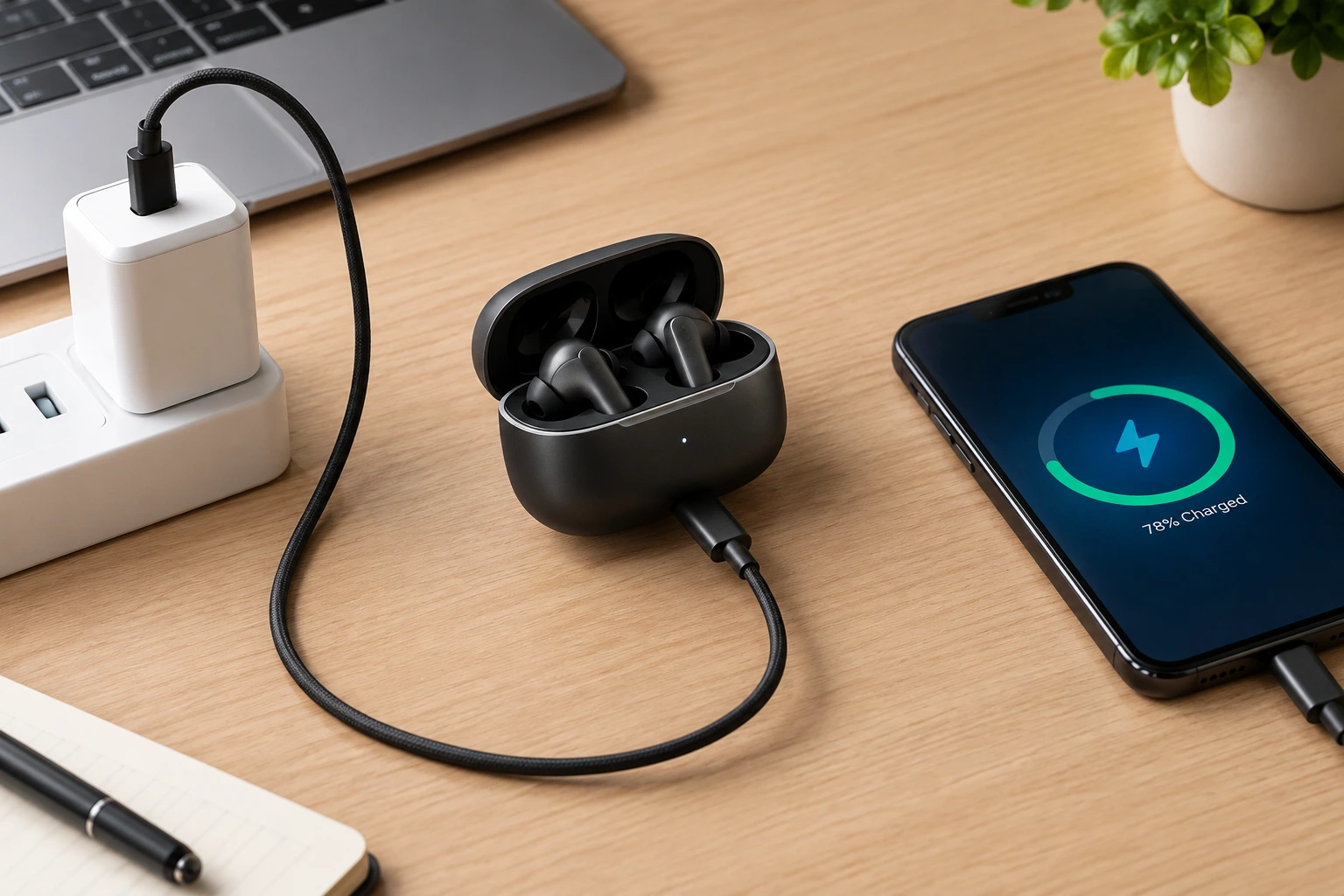
Those little charging points matter more than they look. If the contacts are dirty, the earbuds might show as charged when they’re not making a stable connection. That can lead to weird behavior like short runtime, random drops, or one earbud dying long before the other.
It’s not glamorous maintenance, but it works. And honestly, most battery complaints start looking a lot less dramatic after a proper clean.
Why cheap chargers and damaged cables can make things worse
Very low-quality chargers and damaged cables may not deliver stable power, which can hurt battery health over time. The fix is boring, but it’s real: use better charging accessories.
A cable with hidden wear can create inconsistent charging, and that inconsistency can slowly make battery performance feel unpredictable. The earbuds may still charge, but not cleanly or efficiently. When that happens over and over, the battery and the case both take a beating.
If you’ve ever noticed a charger getting unusually warm, disconnecting randomly, or only working when held at an angle, that’s not something to ignore. It may not be the only reason your earbuds battery drains fast, but it can definitely make the problem worse.
When it’s time to upgrade instead of troubleshoot
Not every pair of earbuds is worth saving, especially if the battery is small or the components were never very efficient to begin with. Older or low-quality earbuds often have shorter runtime and wear out faster even when they’re used carefully.
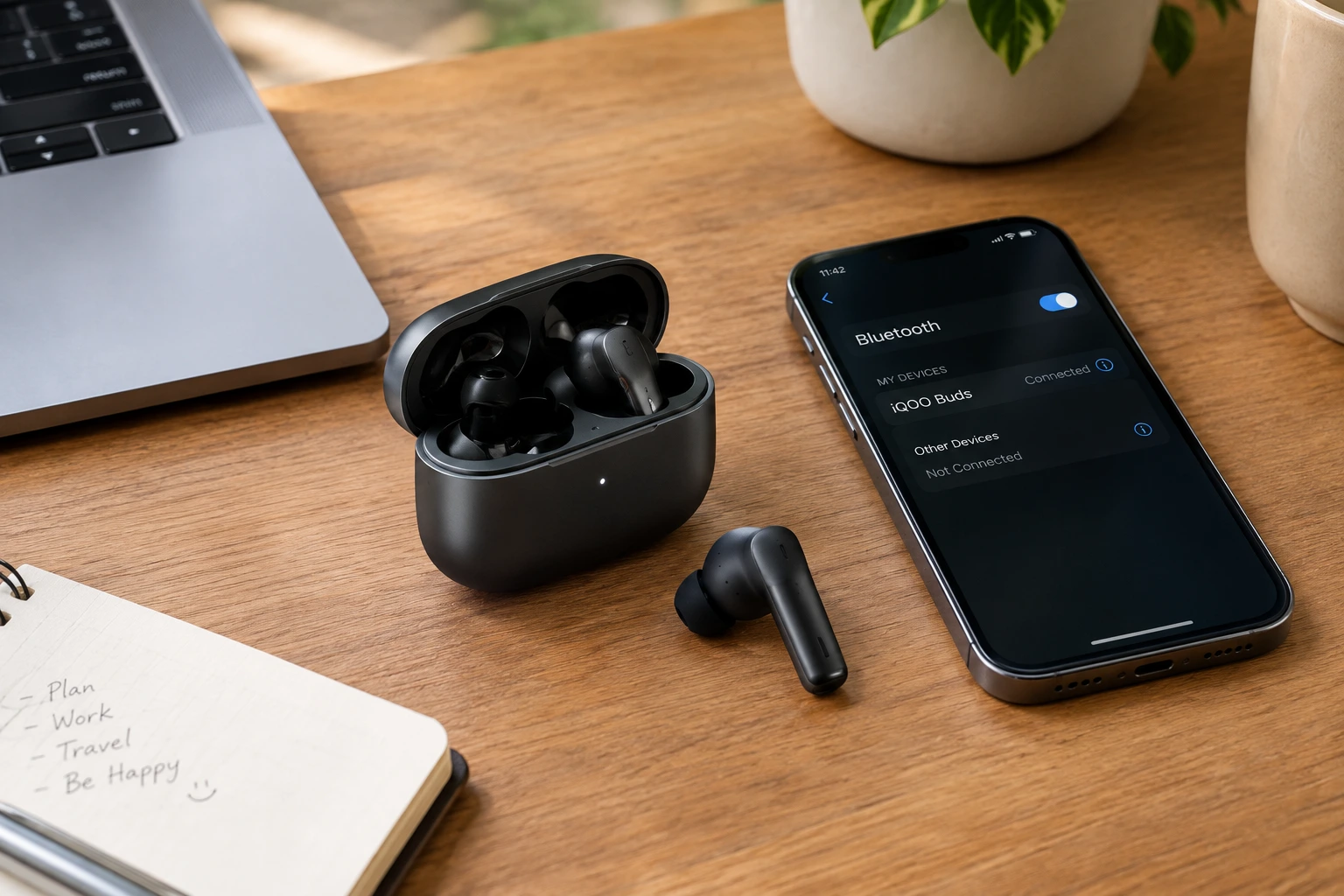
If you’ve already tried the usual fixes and the battery still disappears too quickly, the problem may be the model itself. At some point, troubleshooting stops being practical and starts being a way of squeezing a little more life out of hardware that’s already reached its limit.
| What to look for | Why it matters | Example from the raw content |
|---|---|---|
| Long battery life with the charging case | Helps when the earbuds themselves need frequent top-ups | Recommended as a key upgrade feature |
| Bluetooth 5.3 or newer | Supports more modern wireless performance | Listed as a buying priority |
| Active Noise Cancellation (ANC) | Useful in noisy places, but only if battery handling is strong | Included in the upgrade checklist |
| Environmental Noise Cancellation (ENC) | Helps make calls clearer | Named as a feature to look for |
| USB Type-C fast charging | Makes recharging faster and easier | Part of the suggested spec set |
If you’re in the market for a replacement, these details matter more than glossy marketing. A decent battery plus modern wireless support is usually a better long-term deal than a cheap pair that only looks good on paper.
For users in Nigeria, the examples mentioned are Havit SPACE NC01T TW991 Pro, Havit TW992, and Havit OpenBuds 02A, with Just Havit Nigeria listed as the place to explore the full range of original Havit audio products. That gives you a starting point if you’re comparing models and want something that doesn’t feel dead after a few hours of use.
FAQ
These are the questions people usually ask after they’ve tried the obvious fixes and still don’t trust the battery.
Q: Why do my earbuds only last a few hours now?
That can happen if the battery has aged, the case isn’t charging properly, or you’re using power-hungry settings like ANC and high volume more than before. In other words, it might be wear, habit, or both.
Q: Does ANC really use more battery?
Yes. Active Noise Cancellation uses extra microphones and processing, so it naturally consumes more power than
leaving it off.
Q: How do I clean charging contacts without damaging them?
Use a soft dry cloth, a cotton swab, or a soft brush, and avoid excess liquid. The goal is to remove dust and lint
gently, not soak the case.
Q: Can a cheap charger affect earbuds battery health?
Yes. Very low-quality chargers and damaged cables can deliver unstable power, which can hurt charging performance over time.
Conclusion
If your earbuds battery drains fast, the answer is usually a mix of usage, charging habits, and age rather than one single fault. Start with the obvious changes first: lower the volume, use ANC only when it earns its keep, keep the case charged, and clean the contacts.
If the battery still falls off badly after that, it may be time to move on to a better-built pair with stronger battery management and newer wireless tech. That’s the honest line between fixing what you can and wasting time on hardware that’s already done its job.