Power Bank with Built-In USB-C Cable What to Check Before You Buy

Introduction
A power bank with built-in USB-C cable can feel like one of those small upgrades that quietly makes life easier. No more digging through a bag for the right cord. No more realizing, too late, that the cable you packed is the wrong one. When your phone is already low, that kind of simplicity matters more than it sounds.
But here’s the thing: convenience only helps if the charging specs, cable strength, and recharge behavior actually fit the way you use your devices. A neat design is great. A practical one is better.
Quick Highlights
- Built-in cable convenience is only useful if the output is strong enough.
- Two-way charging USB-C cable support is a big deal.
- Durability matters more when the cable can’t be replaced easily.
- Capacity, wattage, and weight all need to make sense together.
- Extra ports and a clear display can make daily use easier.
Why the built-in cable is useful, and where it stops being enough
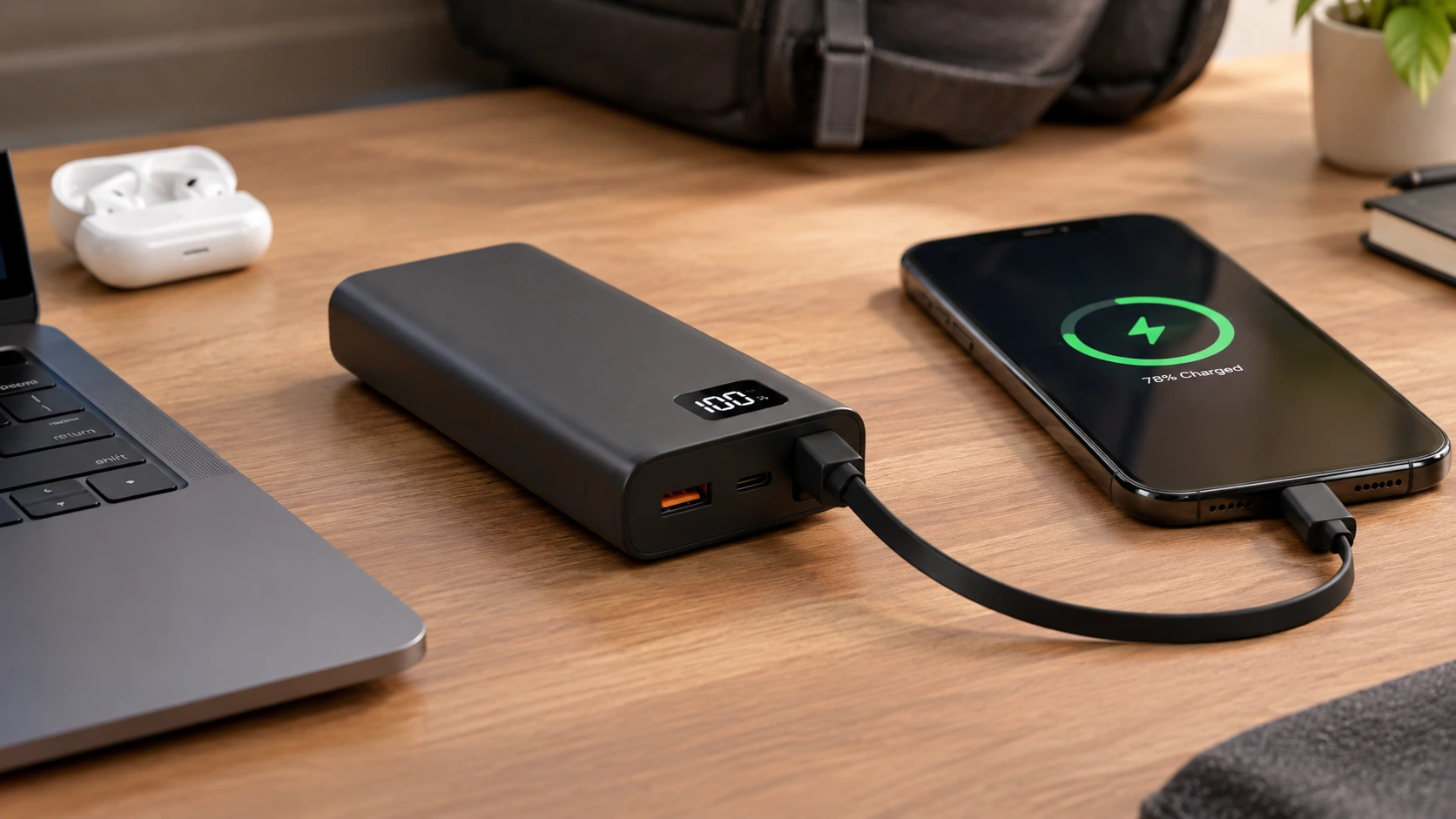
The obvious appeal of a power bank with built-in USB-C cable is that the cable is always there. Whether you’re in an office, airport, hotel, classroom, or client site, it’s one less thing to remember. That sounds minor until you’ve had a dead phone and no spare cord in sight.
It also reduces desk clutter and can make one-handed charging easier. That’s a real plus for commuters, travelers, students, and mobile professionals who are constantly moving between places and devices. Less fuss. Less fiddling. More charging.
USB-C helps because a lot of gear now uses the same connector. Phones, tablets, earbuds, handheld devices, and even some laptops can all run through USB-C. But not every attached cable works both ways, and not every built-in cable is built for the same kind of load. That’s where the details start to matter.
Two-way charging is the difference between a neat accessory and a flexible one
Some built-in USB-C cables only charge devices. Others can also recharge the power bank itself. That second option is a lot more useful than people expect, because it means you may be able to carry one cable solution instead of two.
That two-way charging USB-C cable behavior depends on the product’s input and output ratings, not on the connector shape alone. So if a listing says “USB-C,” that doesn’t automatically mean it supports charging in both directions. You have to check the fine print.
How much output you actually need
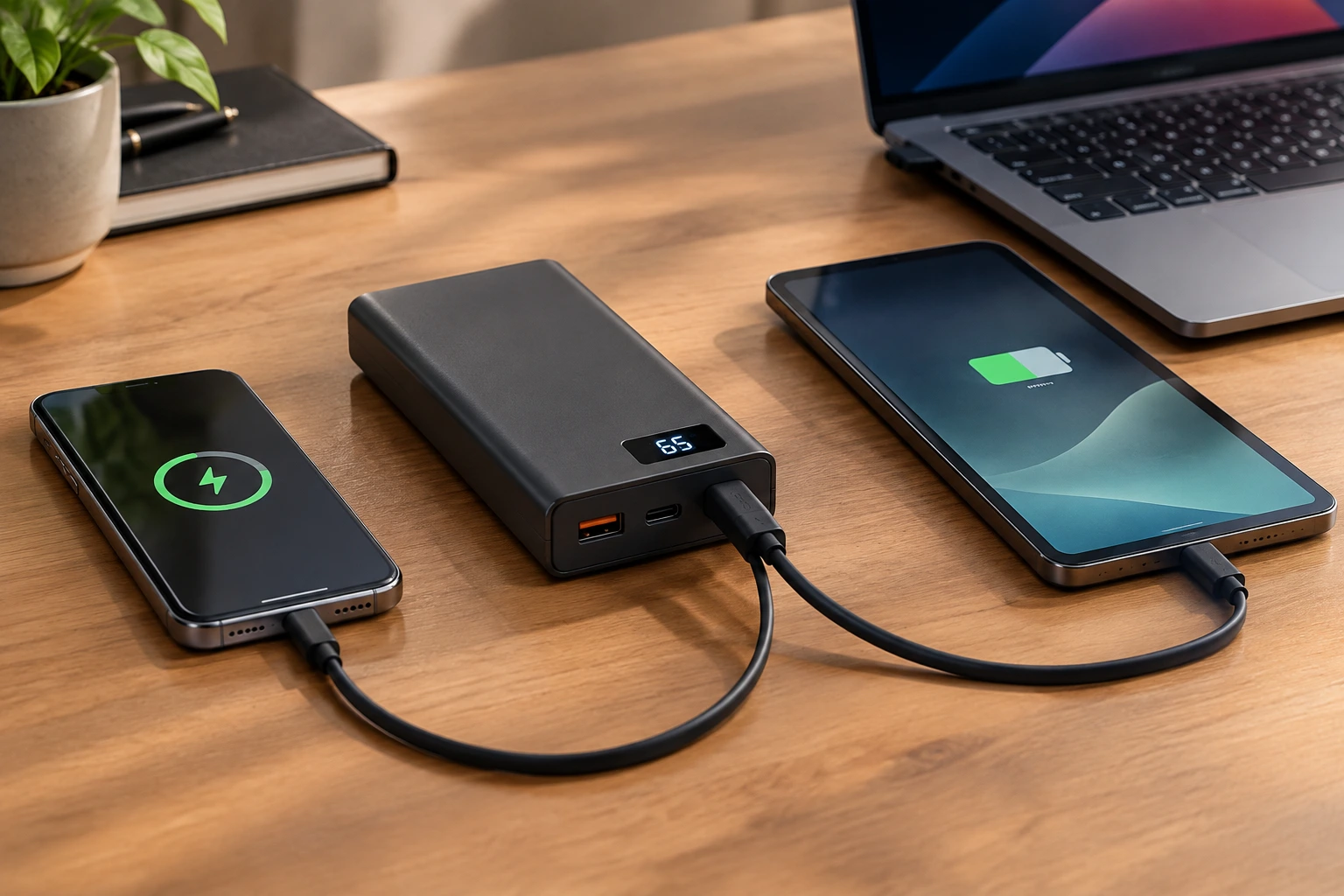
USB-C Power Delivery wattage matters more than the fact that the cable fits. That’s one of those things beginners often miss at first. A cable can physically connect just fine and still deliver a disappointing charge if the output is too low for the device.
A phone may be fine with moderate output, while tablets, portable gaming devices, and laptops usually need more power. If laptop charging is the goal, the power bank’s single-port USB-C output has to be compared against the wattage your laptop expects. Otherwise, you may end up with a power bank that looks capable but only really works for lighter devices.
The numbers that matter are not all the same number
- Maximum output from the built-in cable
- Maximum output from the USB-C port
- Total output with multiple devices connected
- Maximum input for recharging the power bank itself
A model can advertise high total output and still slow down once more than one device is plugged in. That’s why the headline number alone doesn’t tell the full story. You want to know what each connection can actually do in real use, not just what the box says at a glance.
What durability means when the cable is attached permanently
Power bank cable durability becomes a bigger deal when the lead cannot simply be swapped out. If a removable cable wears down, you replace it. If the cable is built in, the whole product becomes more dependent on that one part staying healthy.
The weak point is usually where the cable enters the body, so reinforced strain relief and a storage channel that doesn’t force a sharp bend matter a lot. Those small design details are easy to overlook, but they can make a surprising difference over months of everyday use.
If the cable also doubles as a carrying loop, it should be designed for that purpose explicitly, not assumed. A loop that looks handy but wasn’t really built for repeated pulling can become a problem faster than you’d expect.
Daily habits can shorten the life of the cable faster than the specs will tell you
Pull the connector, not the cable; avoid tight twisting; keep the port clean; and don’t trap the lead in a bag zipper. Those simple habits sound almost too basic, but they matter more than most spec sheets ever will.
If charging becomes intermittent or the jacket is damaged, stop using that lead and switch to a supported port or contact the seller. It’s not worth gambling with a cable that’s already showing signs of stress.
How to judge capacity without getting fooled by the mAh number
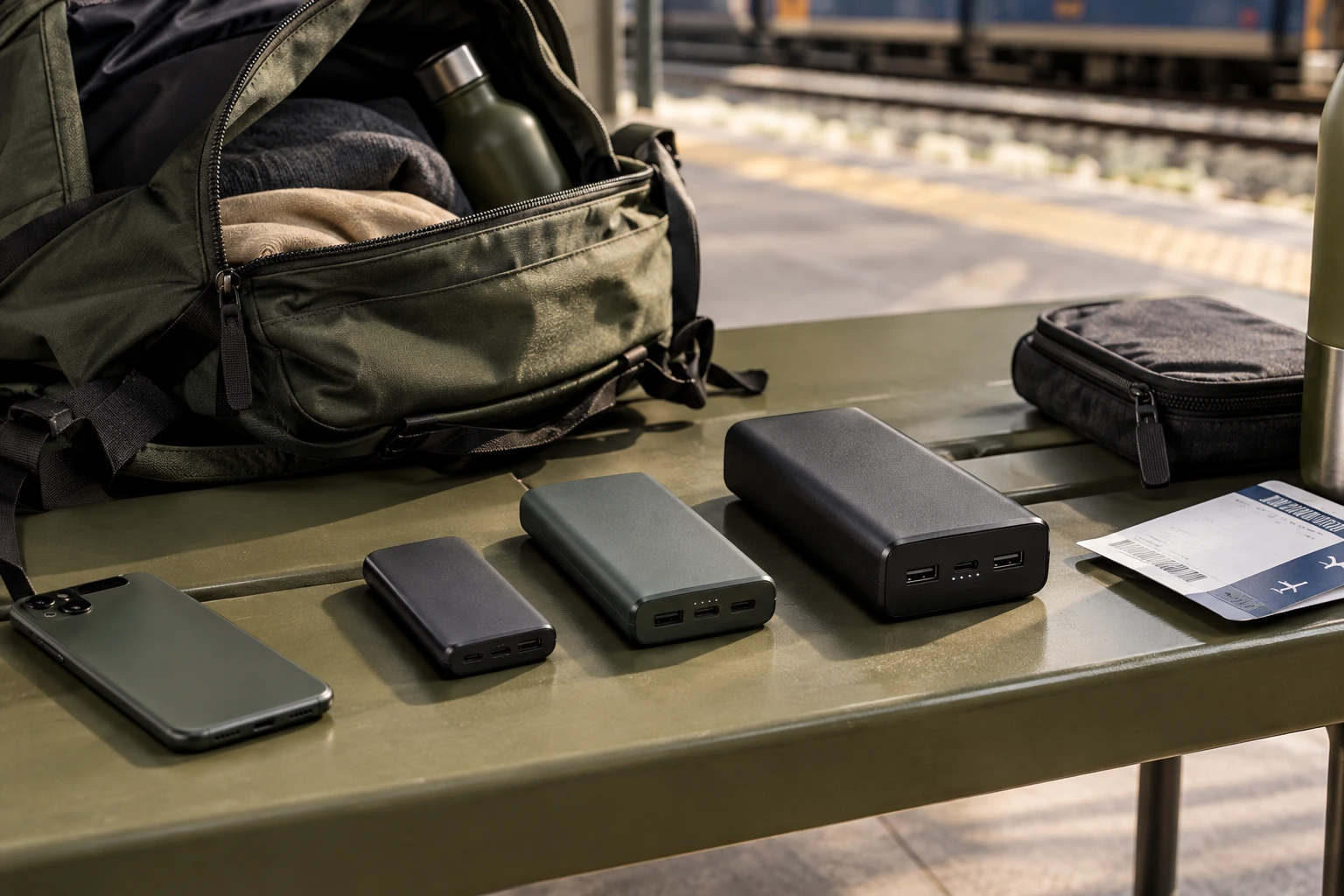
Capacity should match the way you carry the pack, not the biggest number on the box. Bigger sounds better, sure. But bigger also usually means heavier, thicker, and less comfortable to bring along every day.
More capacity usually means more weight and thickness, and energy loss during conversion means the printed milliamp-hours do not equal what reaches your device. So a pack labeled with a large number may still deliver less real-world charging than you’d assume.
Different use cases point to different priorities
- Compact daily backup: low weight and enough energy for an emergency top-up
- Full-day phone use: a mid-capacity design for navigation, photography, video, or hotspot use
- Tablet or laptop support: watt-hours, USB-C PD output, and device power needs matter more than capacity alone
- Multi-day travel: higher capacity can help, but airline rules and permitted baggage still matter
For laptops, compare watt-hours and USB-C PD support as well as milliamp-hours where available. That’s a more honest way to judge whether the pack actually fits your day, your bag, and your charging habits.
When a 65W built-in cable model is the right call
A 65W built-in cable power bank makes sense when you’re carrying a laptop along with a phone and accessories. It’s the kind of setup that can simplify a work bag without forcing you to give up useful charging speed.
The device has to support USB-C charging, and the integrated cable has to be rated for the same level of output you expect to use. That may sound obvious, but it’s exactly where some buyers get tripped up. A fast port doesn’t help much if the attached cable can’t keep up.
The active Votaix catalog includes a 12,000mAh 65W laptop power bank with a built-in USB-C cable, a 65W USB-C port, up to 60W through the integrated cable, USB-A output, two-way cable charging, and a real-time status display. That mix tells you a lot about how the product is intended to be used: flexible, work-friendly, and meant for more than just topping up a phone.
That 12,000mAh model shows why the fine print matters
The 12,000mAh laptop power bank may sound straightforward, but its strongest selling point is the mix of specs rather than one headline number. In other words, it’s not just about capacity. It’s about how that capacity is delivered.
Its 65W USB-C port, 60W built-in cable limit, USB-A output, two-way cable charging, and real-time status display all shape how useful it is in practice. If you need a pack for mixed daily gear, those details matter a lot more than a flashy number printed in large type.
Ports, displays, and shared output can change the whole experience
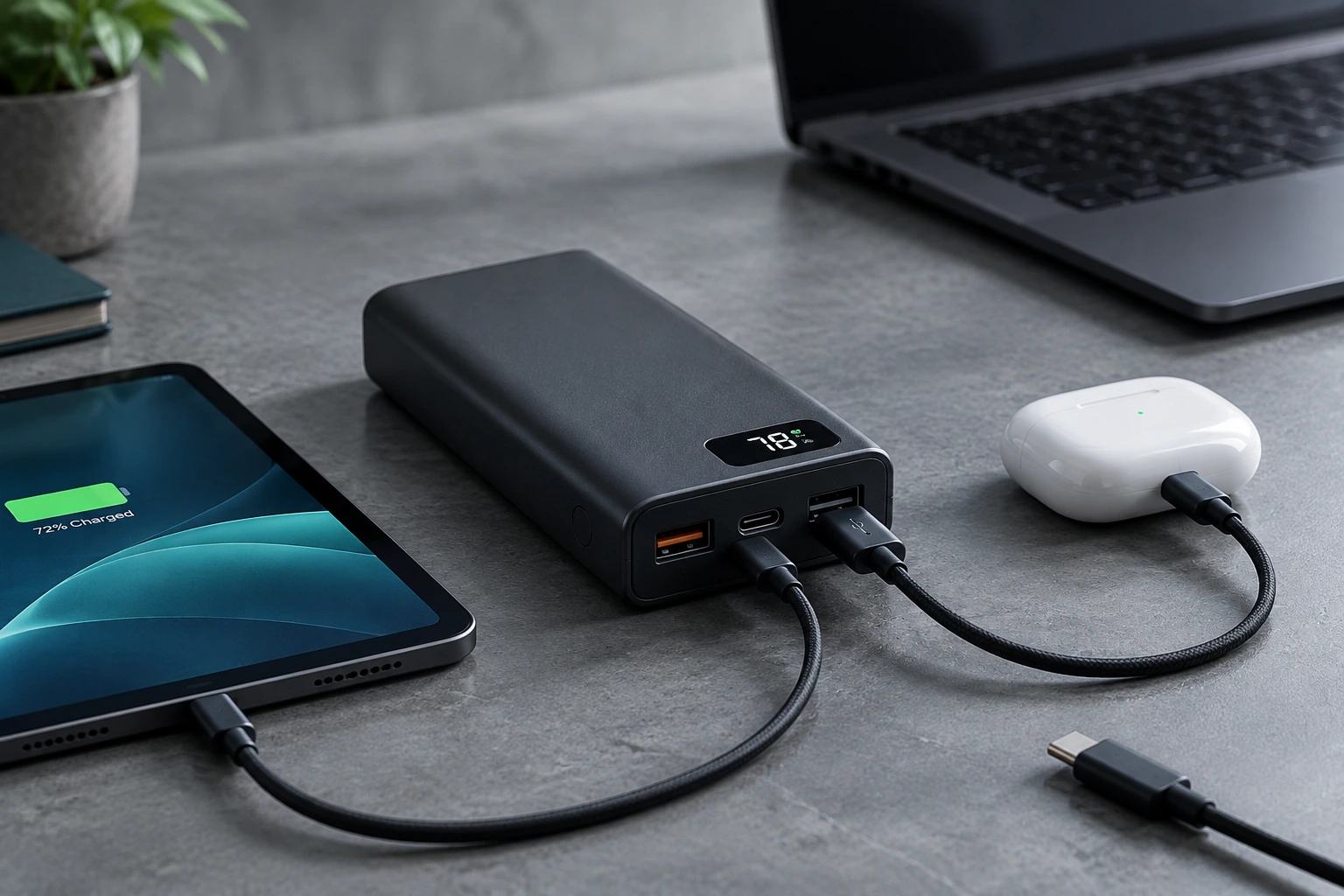
The built-in lead is only part of the design, because a separate USB-C port can handle another device or give you a backup option. That can be the difference between a pack that feels one-dimensional and one that actually adapts to your day.
USB-A still matters for older accessories, and a percentage display is more useful than a simple row of indicator lights when you’re planning a workday. If you’ve ever tried to guess whether you have enough charge left for a long commute or a flight, you know how helpful that extra clarity can be.
If you charge two or three devices together, the power bank combined output table is the thing to check, because the highest advertised number often applies to a single connection under specific conditions. Shared power sounds convenient, but the total available output can drop once multiple devices are plugged in.
A quick comparison of built-in and separate USB-C cable setups
| Consideration | Built-in cable | Separate cable |
|---|---|---|
| Convenience | Always attached and quick to deploy | Must be packed separately |
| Replacement | May be difficult if damaged | Easy to replace or change length |
| Bag organization | Less loose cable clutter | More flexible but adds another item |
| Charging flexibility | Limited to the integrated connector and rating | Choose different connector types and cable ratings |
| Best fit | Frequent mobile charging and minimalist carry | Users who value repairability and maximum flexibility |
Many buyers end up wanting both: a built-in lead for instant use and a separate port for backup or a longer cable. Honestly, that’s a pretty sensible compromise if you move between home, work, and travel often.
Safety, charging speed, and everyday care
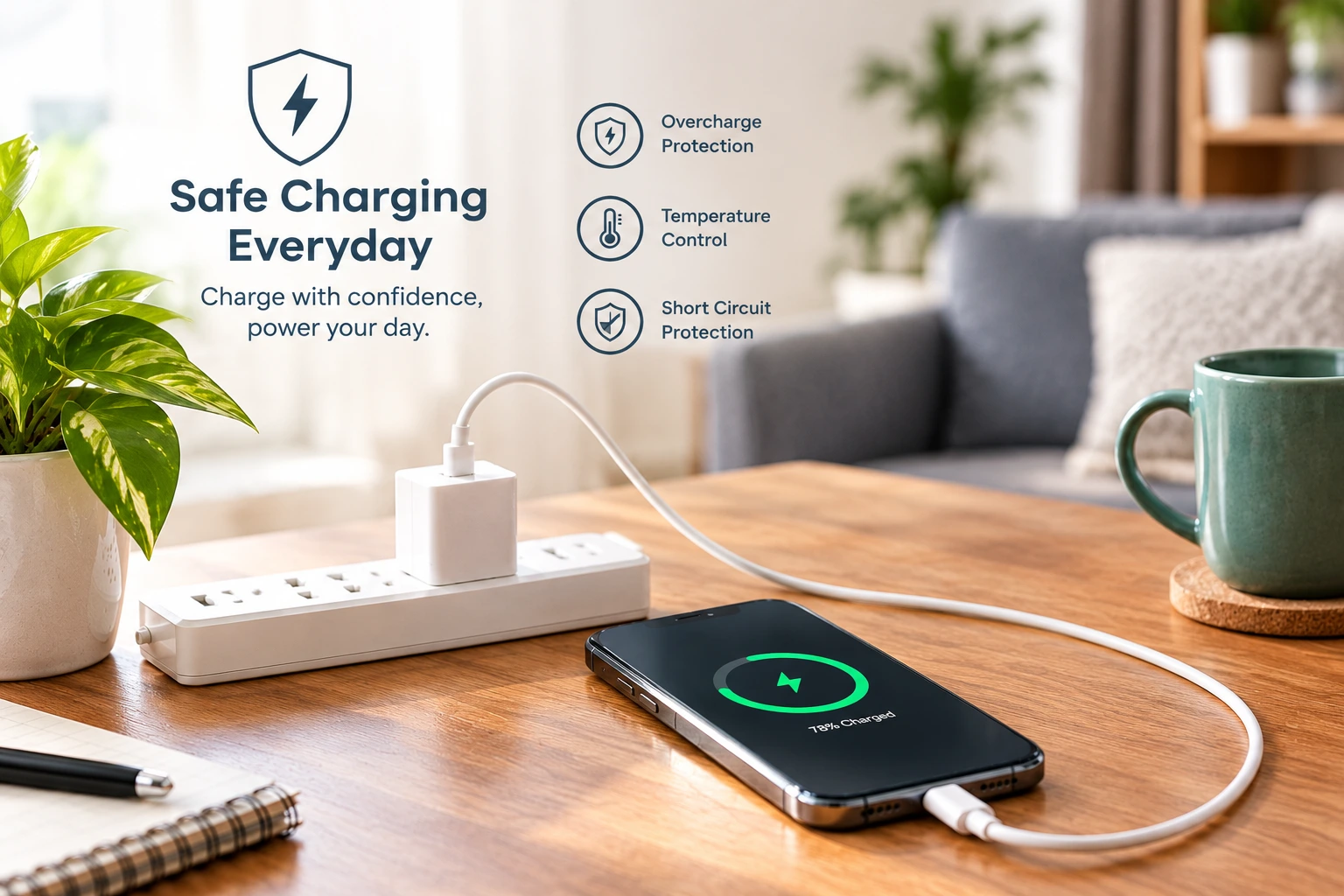
Choose products with clear specifications, seller support, and protections for overcurrent, overvoltage, short circuits, and temperature. These aren’t flashy features, but they matter because they shape how safely the pack behaves during real charging sessions.
Recharge speed with a compatible charger depends on the weakest part of the chain, not on a bigger wall charger by itself. A strong charger won’t magically override a slower cable, a limited input, or a device that simply refuses faster intake.
Keep the unit dry and ventilated, avoid soft bedding, direct sun, and hot vehicles, and stop using any pack that swells, leaks, smells unusual, makes unexpected noises, or runs excessively hot. That kind of care sounds like common sense, but it’s the sort of common sense that protects both the battery and your devices.
FAQ
These are the smaller doubts that usually surface after the main comparison is already clear.
Q: Can a built-in USB-C cable recharge the power bank?
Only if the manufacturer says the cable supports input. Some integrated leads are output-only, while others support
two-way charging.
Q: Can a power bank with an attached cable charge a laptop?
Yes, if the laptop accepts USB-C charging and the power bank, cable, and charging profile all provide enough power.
Q: Is a built-in cable less durable than a removable one?
It can be, because it is harder to replace, but reinforced strain relief, a protected storage channel, and careful
handling make a real difference.
Q: What capacity is best?
There is no universal answer; choose based on your devices, how long you are away from outlets, the weight you will tolerate, and the wattage you need.
Conclusion
The best choice is the one that combines real cable convenience with the right USB-C Power Delivery wattage, enough capacity, durable construction, and backup ports. That balance is what turns a nice idea into something you’ll actually enjoy using every day.
Start with the devices you need to charge, then check the cable’s input and output ratings, the shared-output behavior, and whether the size and weight actually suit your bag. If those pieces line up, a power bank with built-in USB-C cable can be a genuinely smarter buy, not just a cleaner-looking one.